The App
Your everyday screen
The Stasher companion app shows every coin you hold, builds transactions, and hands them to the device for approval. It talks to your Stasher X1 over USB. The keys that can spend your money never reach it, and it cannot touch your cold savings without a press on the device.
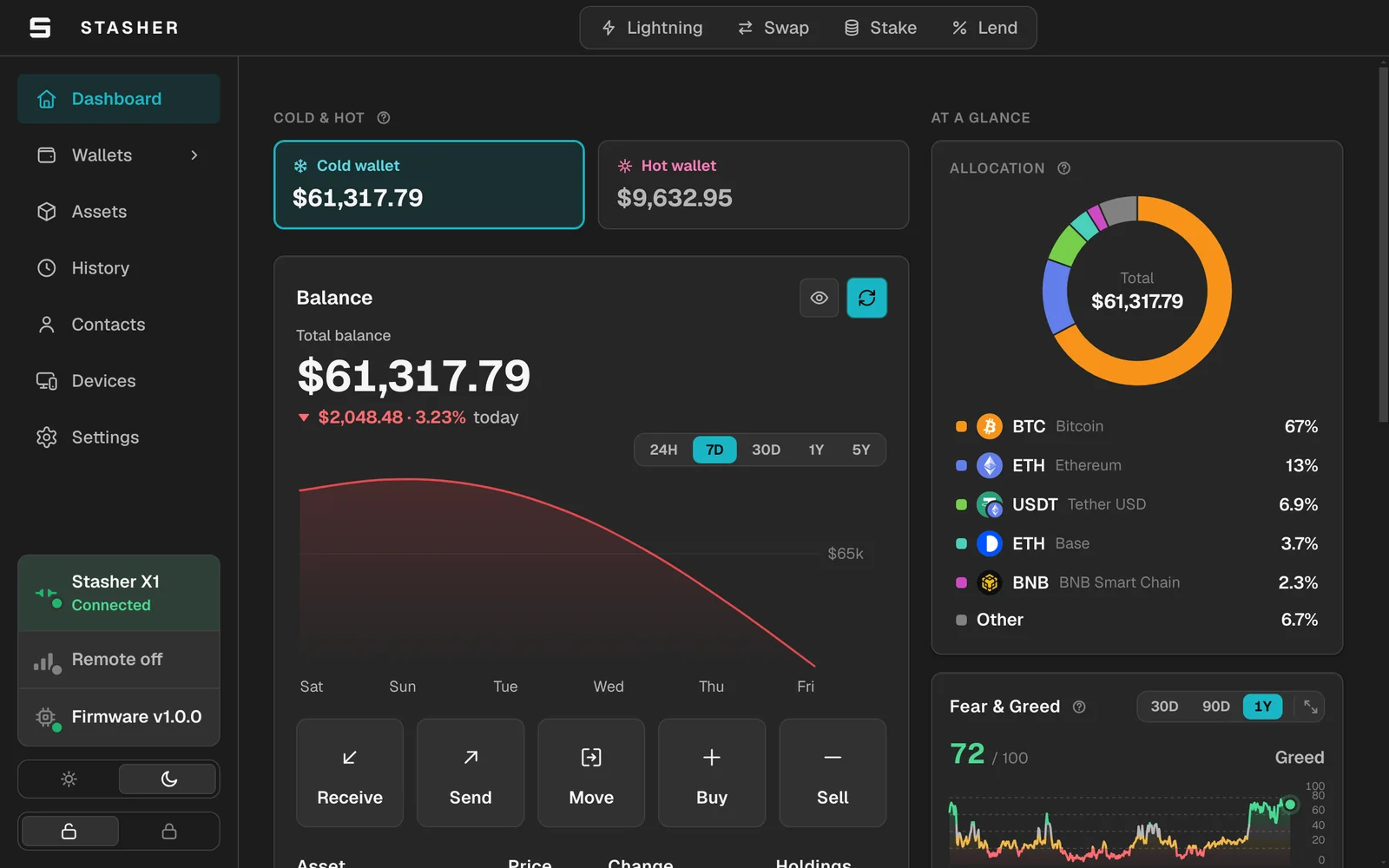
Inside the app
Everything you do with your crypto, in one window
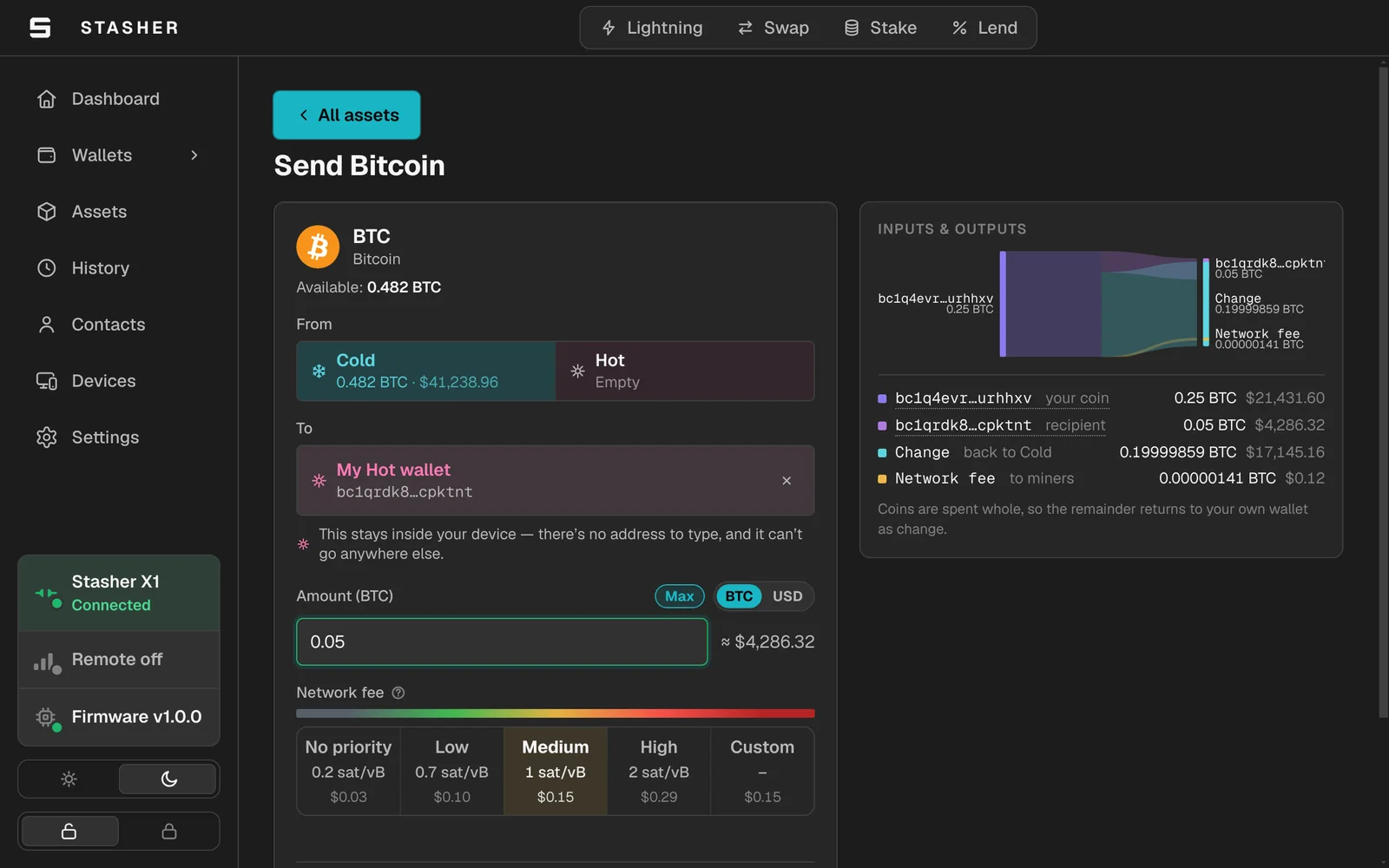
Build a payment and see where it goes
Pick the coin, the wallet it leaves from, and the fee. The app draws out where every coin ends up, including your change, before anything is signed.
Getting started
From download to paired in three steps
Get the app
Download the build for your computer from this page. No account, no sign-up, nothing to register.
Plug in over USB
Connect the cable and the app finds your Stasher. Setup happens up close: pairing a new app never happens over the internet.
Pair once
A matching code shows on both screens and you press the device button to confirm. From then on everything the two exchange is sealed, so nothing can sit in the middle.
Before you start
What you need
- A Stasher X1 (the app does nothing without one)
- A computer running Windows, macOS or Linux
- A USB cable and a free port